Keeping Your Small Team Aligned in a Multi-App Environment
In the fast-paced world of Software as a Service (SaaS) development, small teams often face the challenge of maintaining clear communication and collaboration, especially when using multiple applications. For a team of three, utilizing tools like Notion, Gmail, Google Drive, and Google Calendar is common, but it can lead to disorganization and important information falling through the cracks.
The scenario is all too familiar: one team member makes a critical decision during a call, but it goes unrecorded and isn’t accessible to the rest of the team. Similarly, an important client email remains unanswered in one person’s inbox, while the others remain completely unaware. This fragmentation of information can cause delays, misunderstandings, and missed opportunities.
So, how can small teams effectively synchronize their efforts across various platforms? Here are several strategies that have proven to be beneficial:
1. Centralize Communication
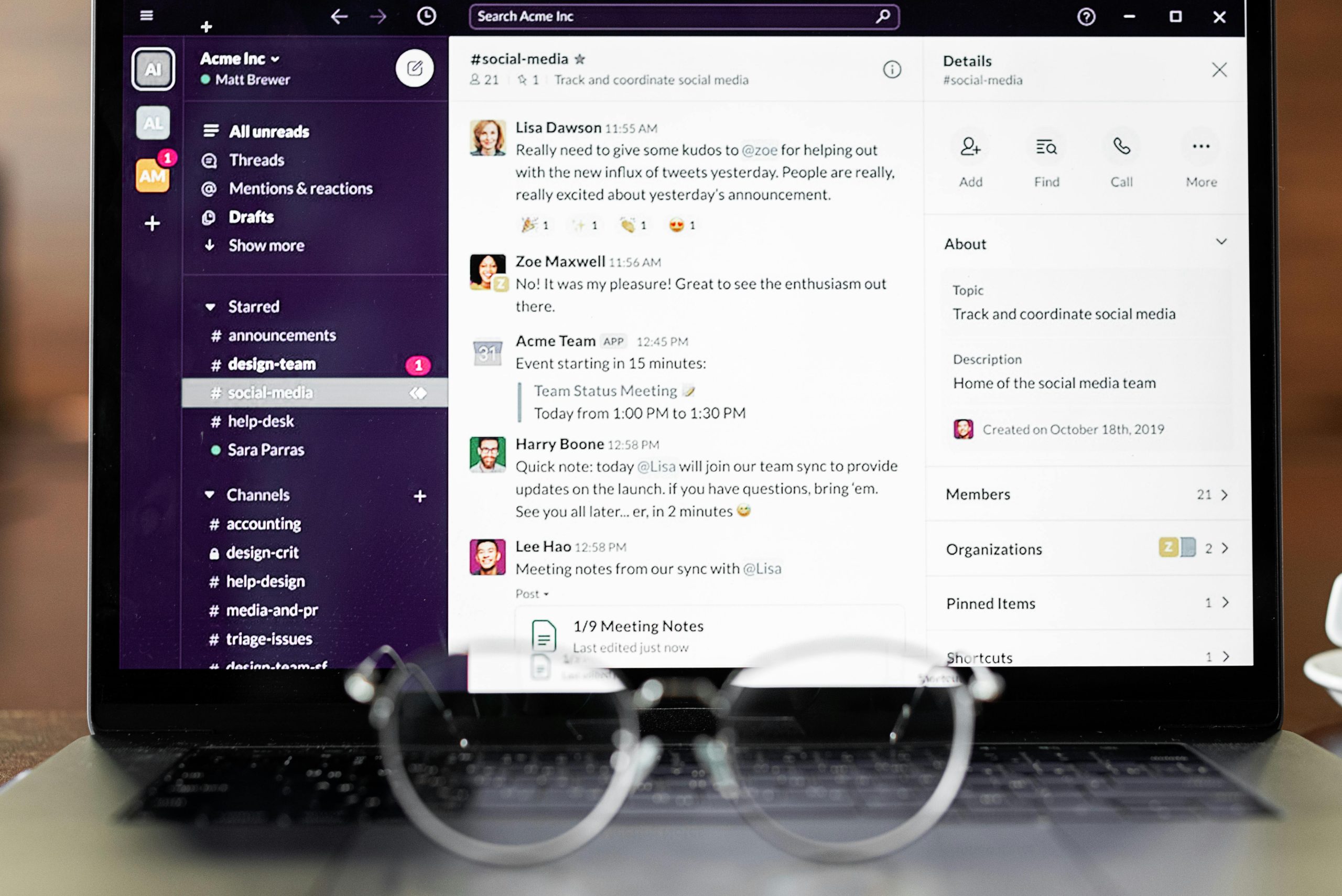
Establishing a centralized communication platform is essential. Tools like Slack or Microsoft Teams can help ensure that all conversations are documented and accessible to everyone in the team. Setting specific channels for topics such as project updates, client communications, or decision-making discussions can also streamline information sharing.
2. Create a Shared Documentation Space
Using a tool like Notion or Confluence allows your team to maintain a single source of truth. Encourage team members to document decisions, meeting notes, and project updates regularly. This practice ensures that everyone is on the same page and has access to the same information, eliminating confusion over what was discussed or decided.
3. Implement Regular Check-ins
Schedule consistent team meetings to discuss ongoing projects, updates, and pending tasks. These meetings can serve as a platform to review important communications from emails or calls and ensure that all team members are informed about progress and responsibilities.
4. Utilize Task Management Tools
Incorporating task management software like Trello, Asana, or ClickUp can help your team track tasks and deadlines. Assign responsibilities clearly and update the status of ongoing tasks to keep everyone informed and accountable. This transparency can significantly improve workflow and reduce bottlenecks.
5. Encourage a Culture of Accountability
Fostering an environment where team members feel responsible for sharing important information is crucial. Encourage everyone to take ownership of their roles and communicate proactively. When decisions are made, designate a team member to summarize the key points and share them with the group.
Conclusion
Maintaining synchronization in a small team scattered across various software applications doesn’t have to be an insurmountable challenge. By centralizing communication, creating shared documentation spaces, implementing regular check-ins, utilizing task management tools, and cultivating a culture of accountability, teams can significantly improve their collaboration and efficiency.
With thoughtful strategies in place, it’s possible to navigate the complexities of modern tools and ensure that nothing slips through the cracks, empowering your team to focus on building and delivering great products.