
Transitioning Your Google Business Profile from Hidden to Visible Address and Moving Locations: Essential Tips and Best Practices
When managing a Google Business Profile (GBP), transitioning from a hidden address to a visible oneΓÇöand relocating your businessΓÇörequires careful planning to ensure a smooth process and maintain your online visibility. If your business has been operating from a home address and now has a dedicated office space open to customers, updating your GBP is an important step. However, there are several key considerations to keep in mind to avoid potential pitfalls, such as unnecessary suspensions or verification delays.
Understanding the Implications of Making Your Address Visible
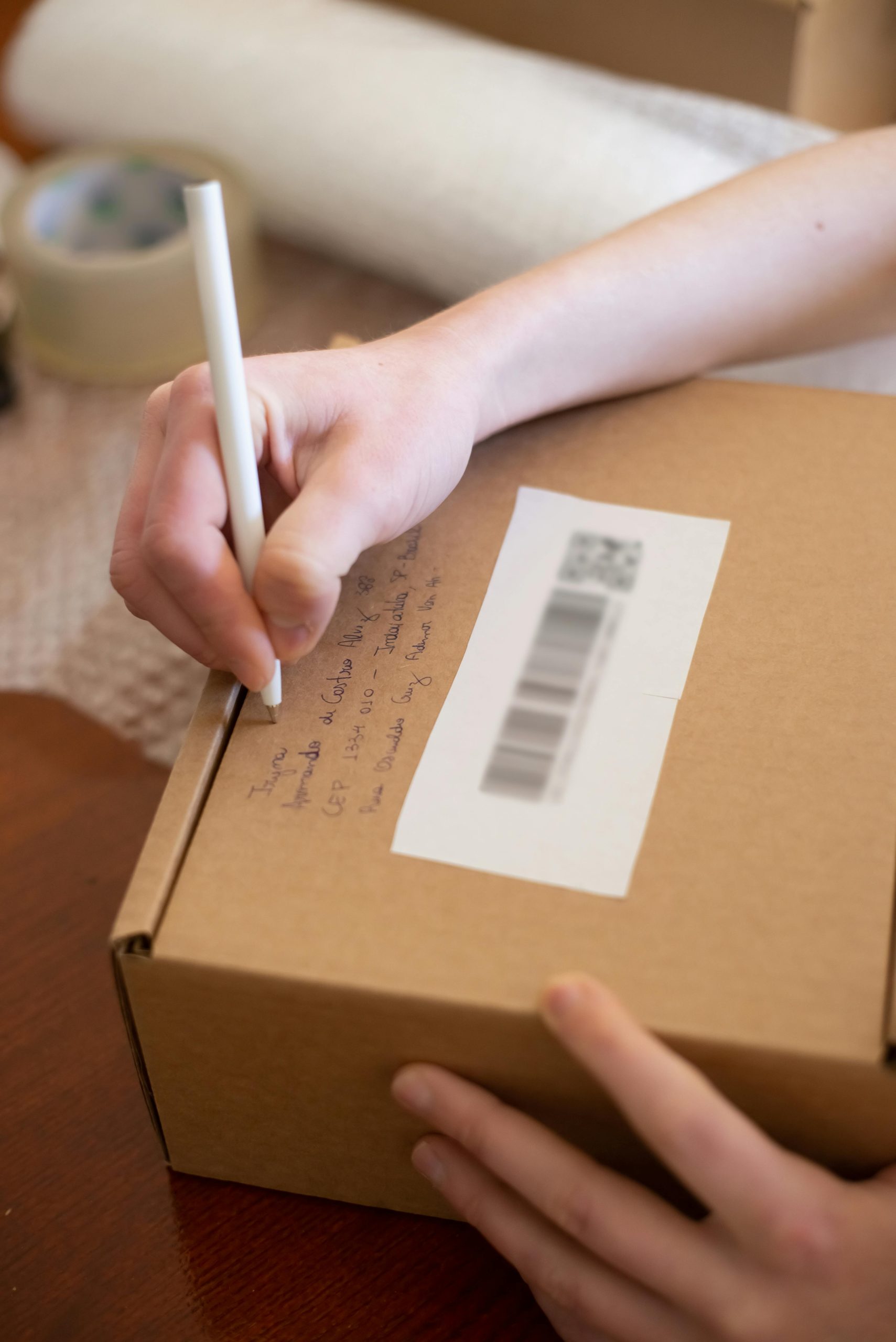
Google recognizes different types of business modelsΓÇöincluding service-area businesses (SABs) that serve customers at their locations or remotely, and those with physical storefronts. Transitioning from a hidden (service-only) to a visible address involves changing the profile’s setting to display the physical location publicly. While this update is straightforward, it typically triggers a re-verification process, often involving Google sending a postcard with a verification code to the new address.
Will Google Send a Postcard After Updating Your Address?
Generally, updating your GBP to show a new, physical location will prompt Google to initiate a verification processΓÇömost commonly via postcard. The postcard contains a unique verification code that must be entered into your profile to confirm your address. It’s important to note that this process helps verify that the business resides at the specified location and prevents fraudulent listings.
Best Practices Before Changing Your GBP Location
To ensure a smooth transition and minimize the risk of account suspension or verification issues, consider following these recommended steps:
- Update and Verify Business Listings Across Multiple Platforms:
- Refresh your address and contact information on other relevant directories such as Yelp, Bing Places, and industry-specific citations.
-
Update your website’s contact details to reflect your new address, ensuring consistency across all online presence locations.
-
Maintain Consistency Across Listings:
-
Ensure that your business name, address, and phone number (NAP) are consistent everywhere. Discrepancies between listings can raise red flags with Google and other platforms.
-
Allow Time for Stabilization:
-
After updating your external listings, wait approximately 1 week before initiating your GBP verification. This gives search engines time to process and corroborate your business information, reducing the likelihood of verification issues.
-
Schedule the Verification Postcard:
- Once your other listings and website are up to date










One Comment
Great insights! I’d like to add a couple of points based on my experience. When switching from a hidden to a visible address, it’s also beneficial to prepare your business for the verification postcard—ensure the address is correct, and if possible, alert your local post office to expect the mail to prevent delays or misdelivery. Additionally, consider updating any internal business signage or online menus if applicable, to align with the new location. Consistency is key—not just across digital listings but also in your offline branding—to reinforce trust with both Google and your customers. Lastly, keep an eye on your GBP dashboard post-update for any notifications or verification prompts, and don’t hesitate to reach out to Google support if verification stalls beyond the typical timeframe. These proactive steps can help make your transition seamless and maintain your local search presence effectively.